
The Excel add-in that helps you navigate, troubleshoot and monitor your spreadsheets
Free to use during beta. Register below and we’ll email you an install link.
Register for free beta access
We do not share your email with any third parties. Privacy policy.
Need help? Contact helpme@ex-ray.app



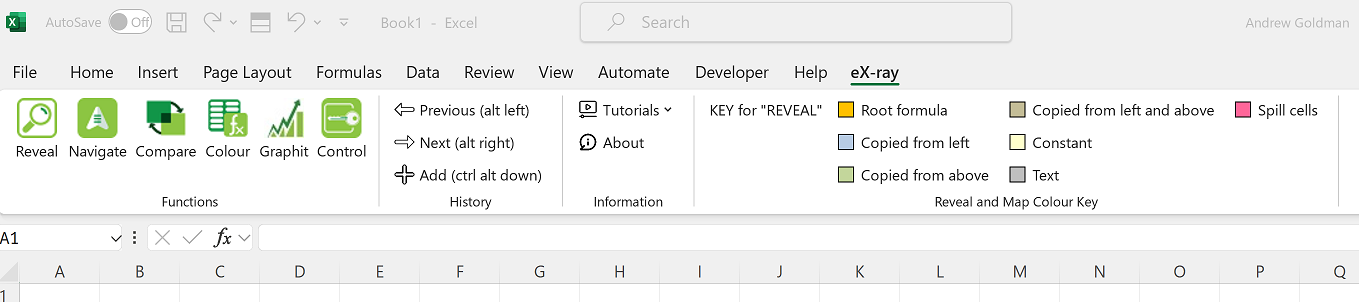
eX-ray lives right in your Excel ribbon
No separate app to open — it’s always there when you need it
Installing eX-ray takes less than a minute
1
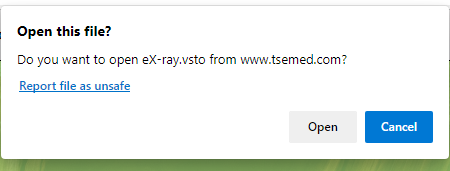
Click Open to start the short download
2
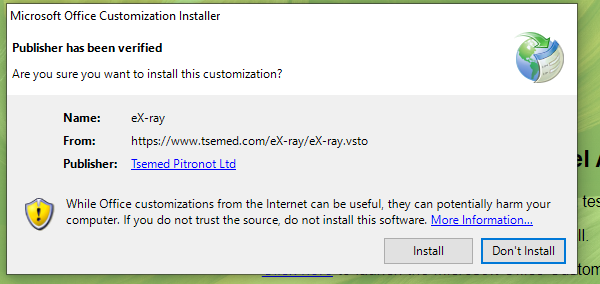
Click Install to begin the installation
3
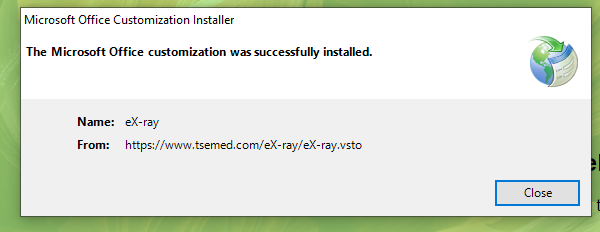
eX-ray has been installed
4

Restart Excel to see eX-ray in your ribbon